PassGate

PassGate

IT Security Begins with a Strong Password

Streamline self-service password management for all employees via SMS, web, and mobile app, reducing IT workload while enhancing cybersecurity measures.

Companies that Trust Us with their Passwords' Security

Stay safe from cyber threats with the industry's most trusted password security solution.

The Most Secure Self-Service PasswordManagement Solution

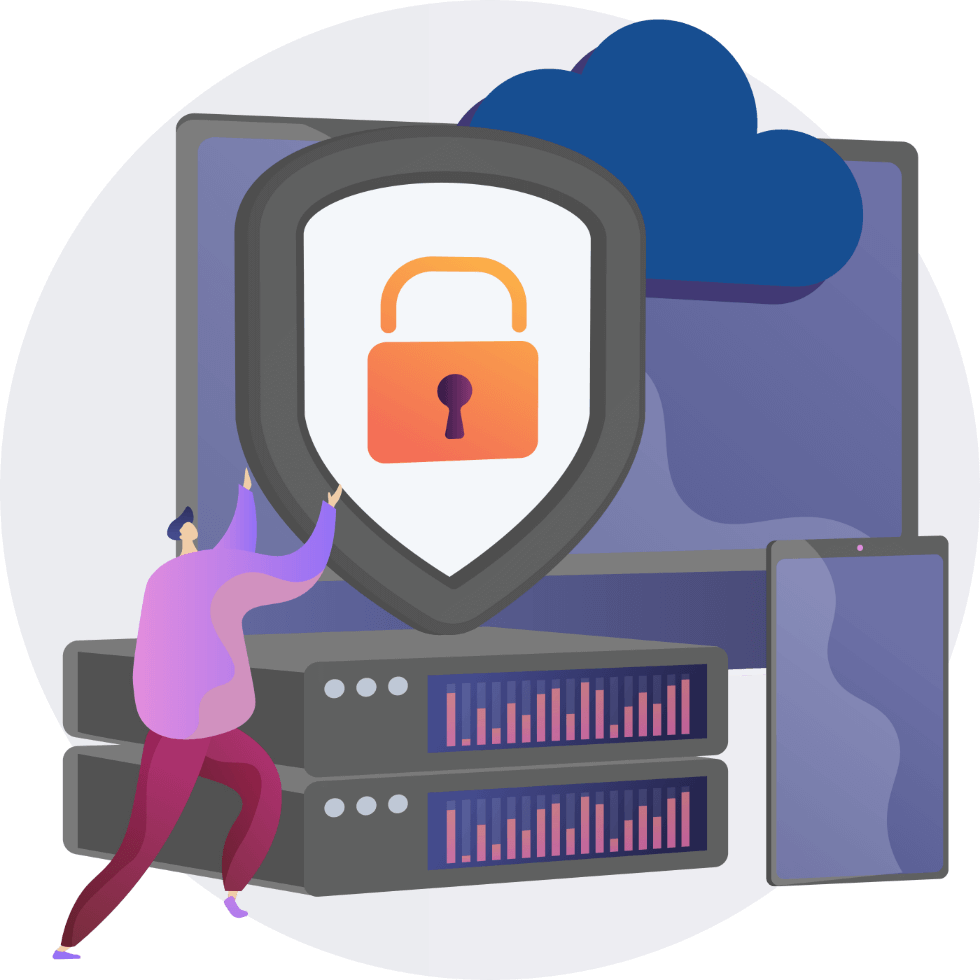
With PassGate, you can strengthen password security for all employees, reducing the risk of cyber threats while minimizing password reset requests to IT teams.

ai-egitim

Seamless Integration

Manage passwords across multiple platforms like Active Directory (AD) and SAP from a single interface.

ai-uygulama

Quick and Easy Deployment

Enjoy a smooth and rapid installation process, including software and database setup.

ai-danismanlik

User-Friendly Experience

Enable users to reset and manage their passwords effortlessly with a single SMS.

Unified Access Across Multiple Platforms

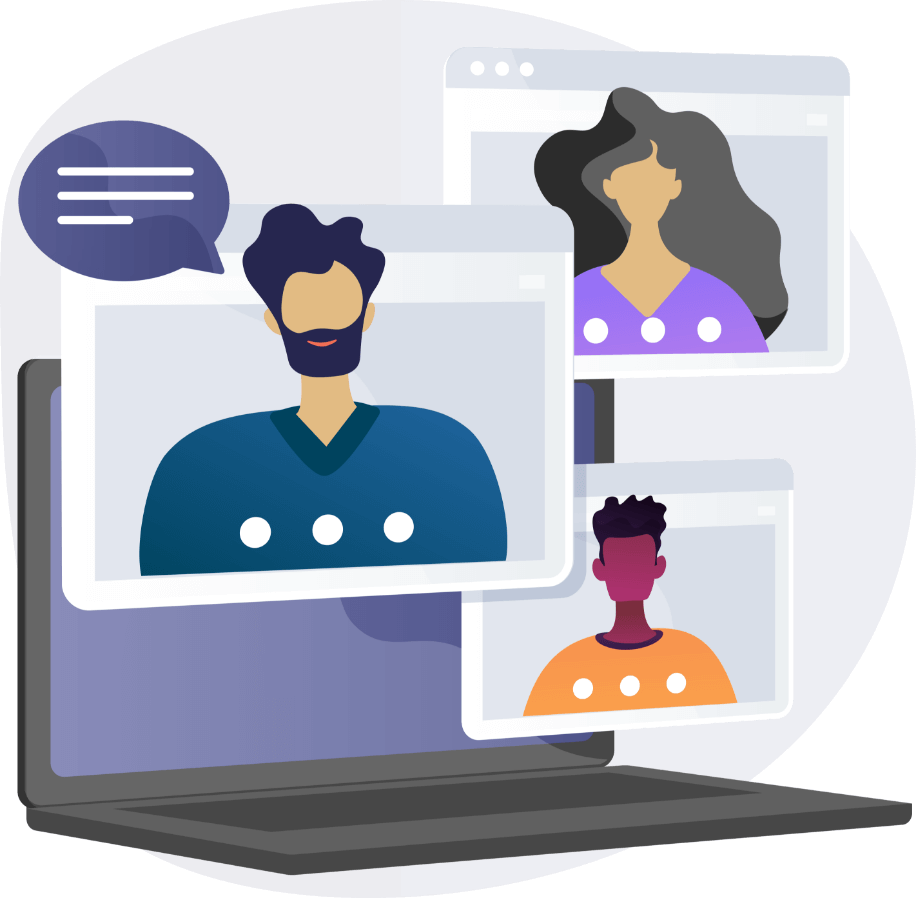
Effortlessly manage your passwords via SMS, web portal, and mobile app with PassGate. No matter where you are, ensure secure access and reduce dependency on IT support.

24/7 Secure and Uninterrupted Operations

Enable seamless and instant access for industries that require continuous operations, such as hospitals, banks, and manufacturing facilities. With PassGate, keep your business workflow uninterrupted and secure.

Why Password Security?

Password reset requests account for 40% of all the requests IT teams receive, with 57% of users using the same password and 36% keeping their passwords on paper.

Password reset requests​
0 %
Using the same password ​
0 %
Passwords on paper
0 %

The Key to Password Security

Password reset and account unlock requests account for a significant portion of IT workload. With PassGate, you can enhance security and improve efficiency by turning these processes into a fully self-service experience.

0 K +

Users

0 M +

Changed Passwords

0 +

Hours Saved

Preferred by IT Specialists

MİTAŞ Information Technologies Manager

PassGate greatly reduces the workload on our support teams by providing us with great convenience in password management of our employees' Microsoft accounts. We also would like to thank the PassGate team for providing us with fast support in times of need.

İETT Information Technologies Manager

With over 8,000 employees, resetting passwords is a huge workload and the staff at the helpdesk had to be available 24/7 for that. We came together with PassGate to automate and speed up this process. After using PassGate, the workload has decreased tremendously and we started to see an increase in customer satisfaction.

MLP Care Information Systems R&D Manager

We were facing problems such as employees forgetting their passwords, getting their accounts locked, having their passwords expire, and since hospitals are a system that works 24/7, our staff had to connect to the computer and carry out procedures regardless of the time and place. The fact that PassGate allows the users to carry out the process without asking for help by sending an sms has eliminated this workload for us.

Request a Demo

Contact our team now to experience PassGate for free.

Blog and News & Updates

Frequently Asked Questions

1. What is PassGate?

PassGate is a self-service password management solution that allows users to centrally manage and securely reset their passwords via SMS, web portal, and mobile app.

PassGate is an industry-agnostic solution designed to meet the password management needs of various sectors. It is widely used in industries that operate 24/7, such as healthcare, manufacturing, automotive, and banking.

PassGate provides three convenient password reset methods—web portal, SMS, and mobile app—enhancing user experience and ensuring maximum accessibility.

Yes, you can experience PassGate at no cost. For more details and to request a demo, visit our official website and contact our team.

Enterprise Services

INFRASTRUCTURE SERVICES

Access all the services you need to improve the technological infrastructure you have from a single point. Create migration strategies for identity management, device management, data and application security, converged infrastructure architectures, and plan all the services you need.

Redesign your modern workplace for the employees at the most affordable prices with secure cloud architecture.

INFRASTRUCTURE SERVICES

Access all the services you need to improve the technological infrastructure you have from a single point. Create migration strategies for identity management, device management, data and application security, converged infrastructure architectures, and plan all the services you need.

Redesign your modern workplace for the employees at the most affordable prices with secure cloud architecture.

GET DETAILED INFORMATION

We have created 3 basic perspectives for you to plan your corporate IT services.

Modern Workplace

The modern workplace enables the employees to access all the technology tools they need with the conditions of this day and age, with the same efficiency, and from anywhere at any time.

Collaboration Platform

Start using Microsoft Teams, your collaboration and chat application that will build your digital workplace and increase your productivity.

Business Applications

Get many applications that you will need for your employees, like Office, Exchange, SharePoint, Teams, Windows 365, with packages that suit your needs, and facilitate your license management.

Virtual Desktop

Move the Virtual Desktop infrastructure you use for reasons such as hardware and application requirements and security to more flexible and secure architectures suitable for hybrid operation.

Flexible Cloud Architecture

Focuses on adding a new perspective to your technological architecture that is costly, stagnant or that no longer meets your needs, without losing your habits, with Microsoft Azure.

HOSTING AND STORAGE

Meet the architectures that will ensure your data to be stored correctly, cost-effectively, and saved from disaster scenarios.

Hybrid Server Management

Monitor the performance of all your local and cloud server resources, take security actions and manage them from a single panel with Microsoft Arc.

NEW GENERATION FILE SERVER

Migrate your File Server architecture in your infrastructure to a new generation cloud architecture that will meet your needs better by prioritizing security and costs.

SECURITY

It is based on security at every point, from your technological architecture to your data, from applications to user devices and authentication.

Endpoint Management

Manage your company’s operating system installation, update management, application distribution and security for all mobile and desktop devices your users own from a single panel with Microsoft Endpoint Manager.

Data Management

Ensure the security of your company data at every point, from your employees' computers to servers, and ensure compliance with regulations like Law of Protection of Personal Data with Microsoft Information Protection.

Application Management

Create automated workflows against unauthorized activities of employees in applications used throughout your organization and ensure your security with Microsoft Cloud App Security.

WORKSHOP

Consists of demos and usage scenarios of Connections, Topics and Learning modules of Viva, a new employee experience platform.
Consists of the explanation, demo and usage scenarios of the Viva Insights module of the new Viva application.
Consists of creating scenarios for the field workers/blue collar employees in your organization to benefit from Microsoft 365 products. Includes the development of applications for your needs and the implementation of usage scenarios with PowerPlatform products, in particular Microsoft Teams.
It is very difficult for people to be able to access their desk phones while working hybrid/remotely. Therefore, you can integrate the existing switchboard into Teams or use Teams as your switchboard. This way, you get to eliminate the device costs and the calls of people outside the organization are made through Teams.
Consists of analyzing the specific application needs of your organization and training you to develop Applications with PowerApps. With this workshop, you learn the necessary information first and then develop scenarios in order to meet the needs of business units with PowerApps, which is a Low-code Application development platform.
It is the workshop where Microsoft Teams meeting, live event and webinar capabilities and new features are explained. Relevant people from all organizations, technical or business units can participate.
In this Workshop, formerly called Secure Remote Work, you can get to know the Microsoft 365 products you have better. You review the products included in your license and learn about how to make the most of cloud technologies. In case of technical personnel’s participation, Security topics are introduced, and the basic information of Multi Factor Authentication, Conditional Access, Endpoint Manager and Information Protection (Data Classification, monitoring and protection product) are also mentioned.
Consists of detailed information on Azure AD Integration, Secure Score, Multi-factor Authentication, Conditional Access and Privileged Identity Management on the basis of Identity Protection. The topics can be covered in the demo environment or by going through your own Azure AD Management Panel. It is a technical workshop prepared for the Information Technologies personnel.
Consists of the collection and interpretation of logs from products with the trial licenses of Microsoft 365 Defender, Microsoft Cloud App Security, Microsoft Defender for Office 365 and Azure AD Identity Protection by installing Azure Sentinel, a SIEM product, in your environment. In addition, the basic working logic and scenarios of Azure Sentinel are explained. This Workshop also has technical content that concerns the IT personnel.
Consists of the examination of Endpoint Manager, formerly Intune, and PoC on test machines in your live environment, and analyzing the new features. You can analyze the product in detail during the Workshop with our expert consultants.

Contact us to have your system architecture redesigned!

FREQUENTLY ASKED QUESTIONS

What is Azure AD Connect service?

AD Connect service allows us to establish a synchronization between our local Active Directory and Azure AD. This way, when we want to benefit from the Office 365 services and do not want to use a second account address like user@companyname.com, we can manage all user accounts and the services they use from a single place by synchronizing local AD with Azure AD.

Reservation is the process of reserving the resources by promising a long period of use for our virtual machines (and some other services such as SQL Database, Blob Storage) in Azure. In contrast, Microsoft offers us options such as 1 year, 3 years and more affordable prices for the use of these resources.

We can find cost analysis tables in the Azure Cost Management tool. Here we can see how much our resources are being consumed under which subscription, we can filter them according to need, and we can share this output with anyone we want. Apart from this, you can also find Azure Advisor under the Cost Management tool. The consultant examines our standard usage and lets us know about the points that we can improve, and provides the opportunity to implement these solutions with a single click.

No extra license is required for multiple authentication (MFA). In fact, this service comes as activated as default.

Yes, Azure AD provides managed domain services. Thanks to Azure AD DS, you can have two Domain Controllers which you do not need to deal with the physical condition of.

With the Azure Assessment tool, you get both a performance analysis report of your local environments and a budget report on your resource consumption needs in Azure.

Yes, as the PEAKUP Enterprise Services team, we provide free support in matters such as assessment work and evaluation of its output, as well as consultancy services for migration.

With the Site-to-Site VPN service Azure provides, you can use the two environments in a hybrid structure.

REFERANSLAR

Sustainable Life Areas

Sustainable
Life Areas

We provide solutions to reduce the corporate carbon footprint by working on fighting climate change and creating sustainable spaces.

With solutions to support their digital transformation, we shape the living spaces of brands that are mindful about sustainability.

Priorities for sustainability

Sustainable teams

Sustainable processes

Sustainable areas

Step 1: Emission Impact Dashboard

The Emissions Impact Dashboard allows you to measure the impact of many Microsoft 365 services like Exchange Online, SharePoint Online, Teams, and more on your company's carbon footprint, and break down emissions by service and data center. Once you add the Emissions Impact Dashboard to Power BI, you can measure your company's carbon footprint based on the data. Discover how you contribute to the environment by configuring an app in a fraction of time.

Step 2: Microsoft Sustainability manager

By connecting the applications and processes used in your company to the Microsoft sustainability manager, you can measure the total impact of your organization, conduct periodic and annual analyses and create advanced reports. The sustainability manager analyzes a wide range of data from IoT devices to local IT resources in accordance with international standards and supports you in creating your roadmap for sustainable working environments.
Green Solutions and Products

We care about the contribution of the products we develop to the environment and companies to raise awareness about creating sustainable offices.

Discover our products and solutions that will make your organization a part of digital transformation.
Non-Contact offices with Envisense

Prepares the necessary environment for the creation of low energy consumption, data-driven workplaces and sustainable environmentally friendly offices. Makes it easy to manage your devices like lighting, air conditioning and ventilation in offices through a single interface. You get to prevent wasting energy by remote controlling the lighting, ventilation and similar devices that are on.

Digital Business Cards with SIGNandGO

With signature banners designed with SIGNandGO, business cards go digital. You get to increase your brand awareness while saying goodbye to business cards that cause you to waste paper. With customized signature designs, your employees become the ambassadors that reflect the awareness of your brand.

Digital Offices with Velocity

Velocity Intranet redesigns your digital workspaces. Enables all employees to exchange documents, surveys, announcements or greeting messages on a single platform. With its special applications, allows all procedures that cause paper waste like leave, expenses, advances, etc. to be managed on a digital platform.

No-Contact door management with Hodoor

Tracking the activities of your employees in different passage areas within your workplace minimizes contamination during pandemics and epidemics. With Hodoor, you get to collect entry-exit data. In case of any disease, it is easily determined which days the sick employees were in the office or who were in the same place with them at the same time. You get to create sustainable areas where there is no contact with door handles and monitor data on a single panel.

Healthy living spaces with the Desk Reservation App

The Desk Reservation Application provides the easiest management of in-house employee scheduling processes. It allows employees to reserve empty desks on a single panel according to the time they want to come to the office in a hybrid system. You get to maintain the balance of the number of people in the offices according to the reserved desks and the need for a healthy working environment.

Digitalized processes with the Audit App

With the Audit Application, you get to carry out your branch audits easily and report them quickly. This way, the current shift, stock and audit system gets to be kept in an organized manner. Processes that are digitized prevent paper waste and support sustainability.

Sustainable systems with the Maintenance App

Breakdown maintenance processes like creating a breakdown notification, assigning the breakdown request to the team or individuals, informing the technical team, purchasing approval processes get to be processed end-to-end. Processes that need to be managed manually become digitized on a single platform. This way, you get to eliminate the extra time you normally waste and don't have to deal with formal paperwork.

Employees in constant communication with Teams

With Microsoft Teams, you get to strengthen the communication within your company even when working remotely, reduce the e-mail traffic and transfer your organization's culture to the digital environment. This way, employees adapt to change management processes more easily. Teams creates significant reductions in paper and document exchanges and plays a major role in the preparation of environmentally friendly offices.

While playing a major role in designing environmentally friendly spaces with the products we develop and the solutions we offer, we also give utmost importance to the sustainability of companies' communication processes and workflows.