Artifical Intelligence Solutions
Automate processes and increase efficiency by creating smarter, and digital operations with AI Solutions.
Simplify operations with AI & Copilot
AI Agents
Automate complex business processes intelligently
Employee Network Analytics
Strengthen collaboration by analyzing team connections
Smart CV Analysis
Instantly shortlist via resume insights
Azure AI Foundry
Deploy cloud AI models securely at scale
Automate reports and eliminate errors
Resolve requests faster with Jira automation
Microsoft 365 Copilot
Manage your daily office work faster with AI assistance
Data & Business Intelligence Solutions
Turn raw data into insights—unify, analyze, and visualize to drive smarter decisions.
Microsoft Power BI
Visualize data instantly and share intelligent insights
M365 Meeting Analytics
Analyze meeting outcomes to drive team productivity
Azure Data Factory
Securely connect and move data across systems rapidly
Microsoft Fabric
Unify data and analytics in a single intelligent platform
Azure Data Warehouse
Store data securely to drive high-performance analytic
IMS Reports
Convert pharmaceutical data into insights and strategy
Digital Activity Tracking
Measure productivity via active and idle time analysis
Business Application & Automation Solutions
Streamline processes and boost business with smart apps and automation.
Microsoft Power Apps
Quickly build custom apps that simplify your workflows
Microsoft Power Pages
Design secure, low-code websites with ease
Microsoft Power Automate
Connect workflows and eliminate repetitive tasks
Desk Booking App
Manage hybrid work with easy desk booking
Meeting Management
Capture notes, track actions, save time
Microsoft Copilot Studio
Build custom AI assistants & experiences
Contract Management
Monitor contracts and prevent delays proactively
Audit Application
Manage audits and ensure compliance with smart alerts
Maintenance Management App
Track issues, assign tasks, and streamline resolutions
Cloud & Security Solutions
Secure, scalable and future ready. Protect your data, optimize your cloud and empower your business.
Cloud & Security
Optimize, secure, and scale your cloud
Microsoft Purview
Ensure data compliance and manage organizational risk
Azure Expert MSP
Optimize Azure via expert-managed services
Azure Arc
Seamlessly manage hybrid data & apps
Microsoft Defender
Cihazları ve kimlikleri akıllı savunma ile koruyun
Change Management
Align strategy & culture for transformation
Microsoft Sentinel
Detect & respond faster with AI security
Microsoft Intune
Securely manage devices from anywhere
Microsoft Entra PIM
Control privileged access and maintain compliance
Microsoft Licensing Solutions
Simplify your license selections. Optimize costs, ensure compliance and get the most out of Microsoft solutions.
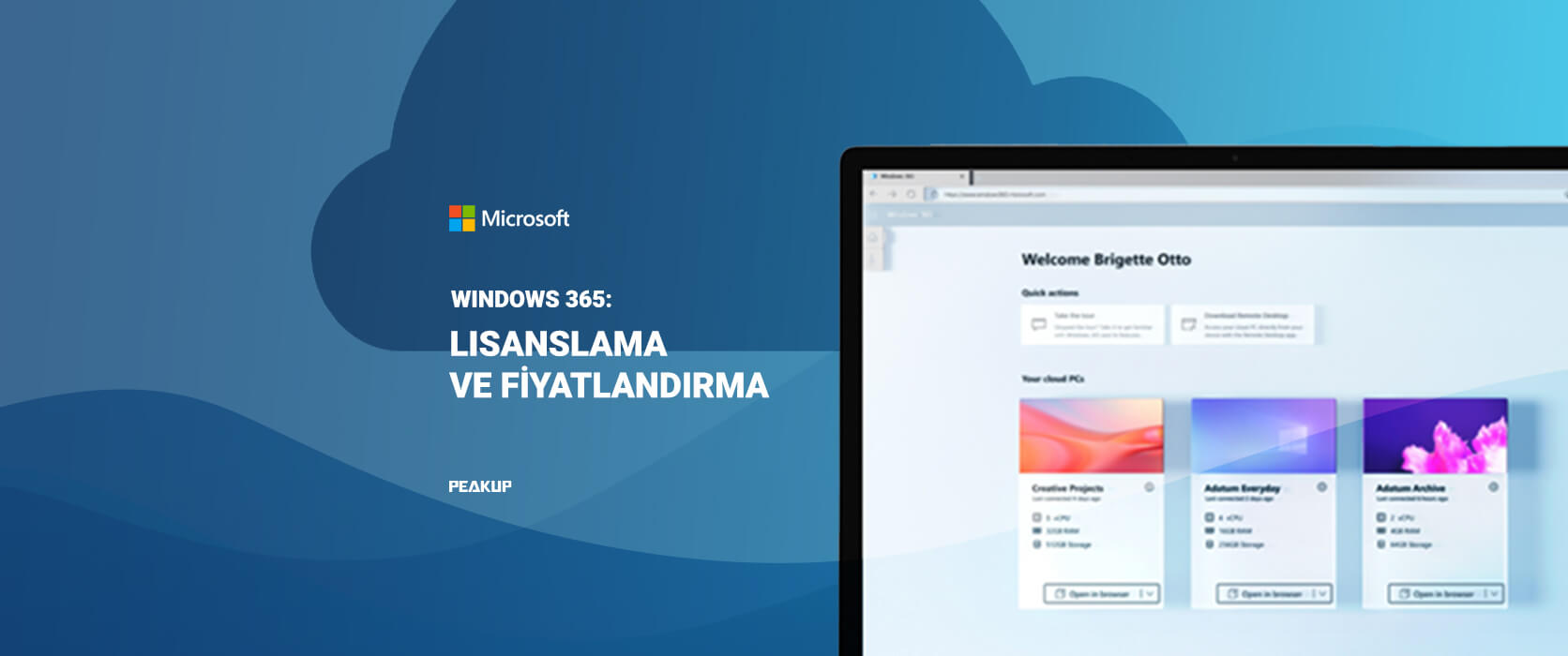
Microsoft Licensing
Simplify licenses, reduce costs, and increase efficiency
Microsoft 365 Business Premium
Empower SMBs with advanced Microsoft tools
Microsoft 365 vs Office 365 Comparison
Find the balance between productivity and value
Microsoft 365
Boost productivity with secure apps & AI
Microsoft Teams Rooms Solutions
Transform meeting rooms for hybrid collaboration
Microsoft 365 E3 vs E5 Comparison
Instantly find the right business plan
Software Licensing
Cost-effective, long-term software access
GitHub Enterprise + Copilot Licensing
Code faster and securely with AI
Email Signature Management Solutions
Centralize email signatures, turning every message into a marketing opportunity.
Industry
Retail
Promote new offers in every customer email
Manufacturing
Keep factory and office signatures updated
Logistic
Build a professional image across all units
Platforms
Office 365
Seamless signatures on Outlook & all devices
Google Workspace
Central, instant signature rollout for Gmail
Exchange Server
Easy setup without complex server settings
Digital Workplace Solutions
Unite corporate and field teams in a digital workspace aligned with your corporate culture.
Industries
Reach blue-collar teams anytime via mobile
Construction
Bridge the gap between site and office
Unite store and HQ in a single culture
Produtcs
Leave Management
Flexible and dynamic leave management
Modern Intranet
Digital workplace reflecting your culture
Self-Service Password Management Solutions
Reduce IT workload and enhance security with SMS-based password reset.
Public Sector
Devlet kurumlarında veri güvenliğinin ilk adımı
#1 Frontıer Partner
We are proud to be recognized one of the globally selected elite partners!