

What Is New In Excel 2021
Excel 2021 for Windows allows you to collaboratively work with others and analyze data easily with new Excel capabilities including co-authoring, Dynamic Arrays, XLOOKUP, and LET functions.
Note: Some features listed below are not included in Excel LTSC 2021 for commercial customers. Each of those features is noted if it does not apply to Excel LTSC 2021 for commercial customers.
Co-authoring
You and your colleagues can open and work on the same Excel workbook. This is called co-authoring. When you co-author, you can see each other’s changes quickly — in a matter of seconds.
Note: Co-authoring is not available in Excel LTSC 2021.

Better collaboration with modern comments
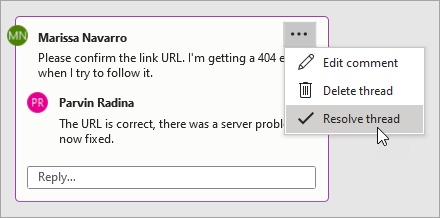
Have control of when you send comments to your co-authors and be productive with a consistent commenting experience in your workbooks and other Office apps.
Note: Modern comments is not available in Excel LTSC 2021.
Know who’s in your workbook
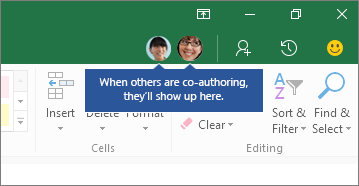
See who else is working along with you and where they are in the workbook.
Note: This feature is not available in Excel LTSC 2021.
Visual refresh
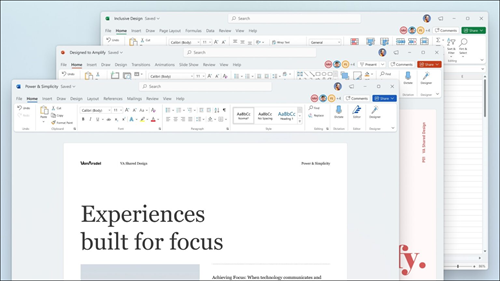
Work with a modernized Start experience and newly refreshed tabs in the ribbon. Experience a clean, clear style with monoline iconography, neutral color palette, and softer window corners. These updates communicate action and provide features with simple visuals.
Note: Visual refresh is not available in Excel LTSC 2021.
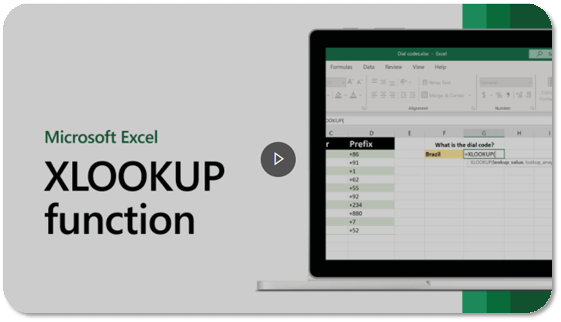
Look left, look right… XLOOKUP is here!
Row by row, find anything you need in a table or range with XLOOKUP.
Return exact matches by default—there’s no need to specify.
LET function
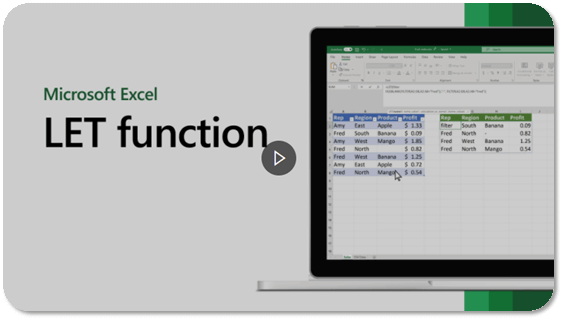
The LET function assigns names to calculation results. This allows storing intermediate calculations, values, or defining names inside a formula. These names only apply within the scope of the LET function.
Similar to variables in programming, LET is accomplished through Excel’s native formula syntax.
Dynamic arrays
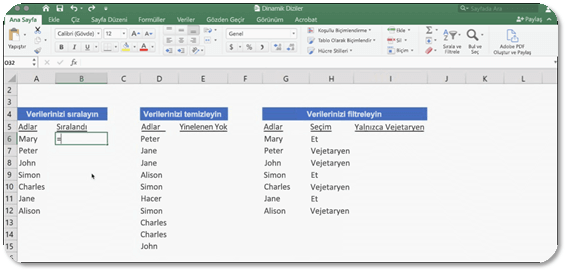
Write one formula and return an array of values. Expedite calculations and insights with six
more new functions: FILTER, SORT, SORTBY, UNIQUE, SEQUENCE, and RANDARRAY.
XMATCH function
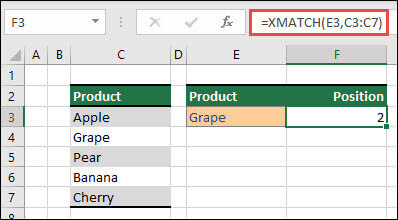
The XMATCH function searches for a specified item in an array or range of cells, and then returns the item’s relative position.
You can also use XMATCH to return a value in an array.
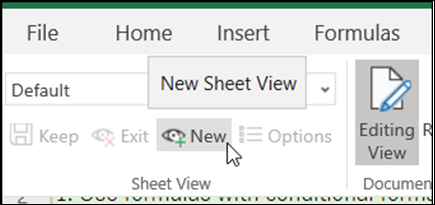
Sheet views
Create customized views in an Excel worksheet without disrupting others.
Note: Sheet views are not available in Excel LTSC 2021.
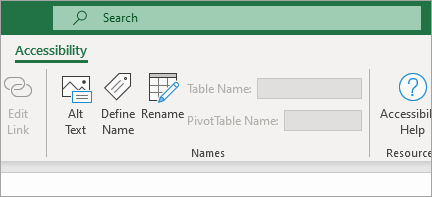
A new way to reach the Accessibility tools
The Accessibility ribbon puts all the tools you need to create accessible content in one place.
Note: The Accessibility ribbon is not available in Excel LTSC 2021.
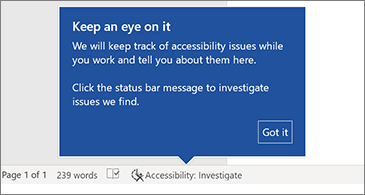
Increase the reach of your content
Accessibility Checker keeps an eye on your documents and tells you in the status bar when it finds something you should look at. Try it by clicking Review > Check Accessibility.
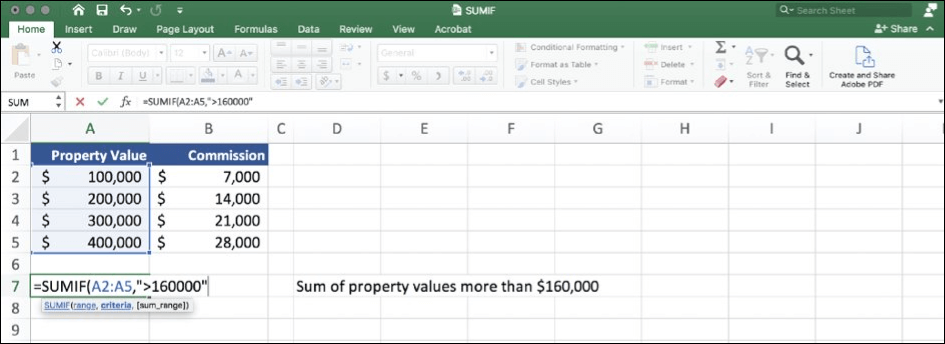
Performance improvements
Experience improved performance, stability, and speed across Excel.
Get faster calculations from common Excel functions like SUMIF, COUNTIF, and AVERAGEIF.
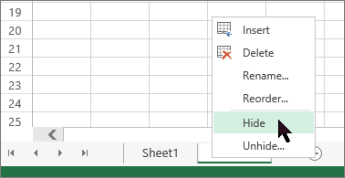
Unhide many sheets at the same time
No need to unhide one sheet at a time anymore—unhide multiple hidden sheets at once.
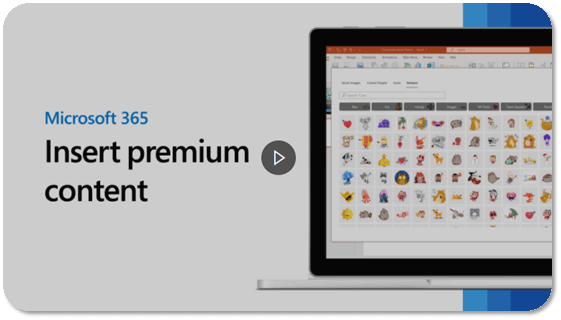
See what’s new in stock media
We’re constantly adding more rich media content to the Office Premium Creative Content collection that helps you express yourself, such as a curated library of stock images, icons, and more.
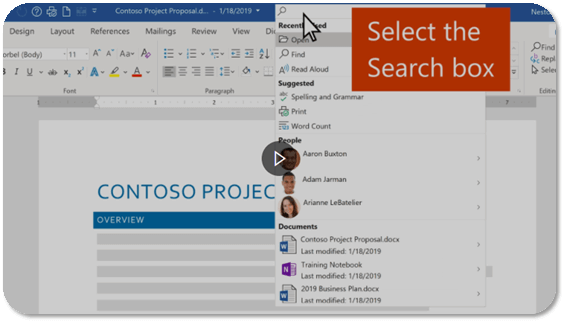
Find what you need with Microsoft Search
At the top of your Microsoft Office apps on Windows, you’ll find the new Microsoft Search box. This powerful tool helps you quickly find what you’re looking for, such as text, commands, help, and more.
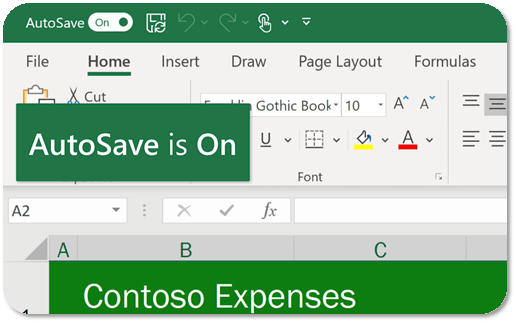
Save your changes as they happen
Upload your files to OneDrive, OneDrive for Business, or SharePoint Online to make sure all your updates are saved automatically.
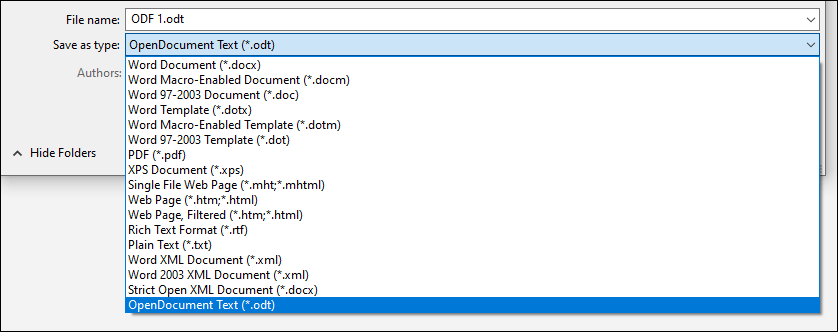
Support for OpenDocument format (ODF) 1.3
We now include support for the OpenDocument format (ODF) 1.3. The ODF 1.3 specification adds support for many new features.
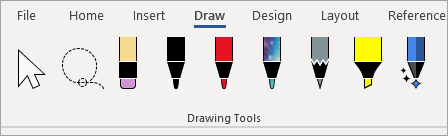
Updated Draw tab
Quickly access and change the color of all your inking tools, all in one place.
Simplify how you work with ink using new Draw tab additions: Point Eraser, Ruler, and Lasso.
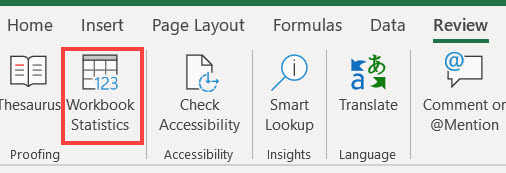
Get a quick summary of what’s in your workbook
Wondering how big your worksheet or workbook is getting? Excel provides workbook statistics to help you.
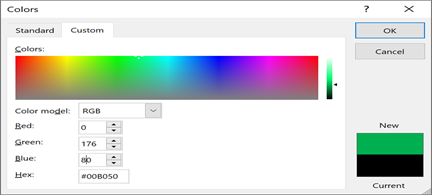
Pick the perfect color
Based on your feedback, we’ve added a new input field in the Colors dialog for Hex color values. No need to convert Hex color values into RGB values.
For any property where you can define a color, you can now enter a Hex color value in the Hex box, for example, #0F4C81 or 444.
Try the Sketched style outline
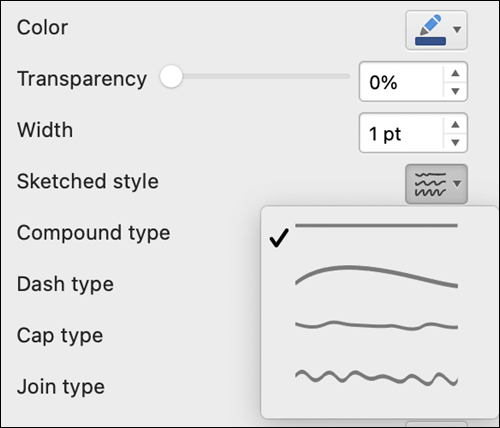
You can give a casual, hand-drawn look to shapes in your workbook with the Sketched style outline.
Try out the Curved, Freehand, or Scribble options under Format Shape > Line > Sketched style.