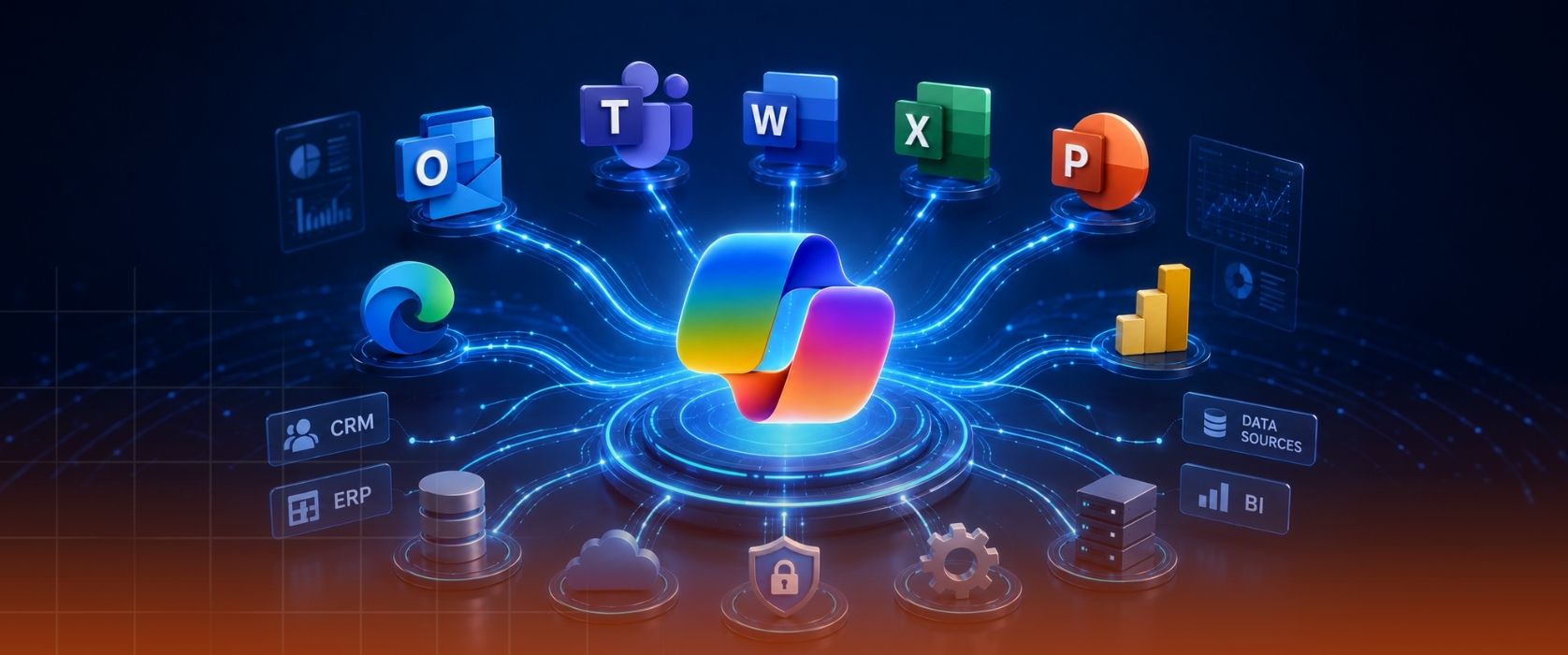


With its July 2026 updates, Microsoft continues to evolve Microsoft 365 Copilot from a personal productivity assistant into a work platform that actively supports enterprise processes. New AI models, enhanced agent experiences, deeper enterprise data integrations, and stronger governance capabilities are taking the value organizations can gain from AI to a new level.
The innovations announced in July offer important signals for organizations looking to scale their Microsoft 365 Copilot investments.
More Powerful Copilot Experiences with GPT-5.6 and Claude
In July, Microsoft 365 Copilot introduced OpenAI’s GPT-5.6 model family and Anthropic’s Claude Sonnet 5. According to Microsoft, GPT-5.6 delivers stronger reasoning for complex, multi-step knowledge work, while Claude Sonnet 5 stands out in agent-focused scenarios such as document creation, analysis, and presentation development.
This update enables users to benefit from different AI models for different business needs. As a result, Copilot becomes a more capable solution for deeper analysis, better decision-making, and more contextual day-to-day work.
Action-Oriented Workflows with Copilot Cowork
Copilot Cowork, which sits at the center of Microsoft’s agent strategy, gained important new capabilities in July. Users can now create trigger-based tasks that monitor specific emails, Teams messages, keywords, or events. Scenarios such as tracking emails from a specific customer, taking automatic action after a meeting, or following updates in Teams channels can be defined using natural language.
With Microsoft Edge integration, Cowork is also gaining the ability to perform actions on behalf of users in web-based systems. This approach shows how AI is moving beyond offering recommendations and becoming a digital coworker that can take ownership of defined processes.
A New Copilot Experience in Word, Excel, and PowerPoint
The Copilot experience across Microsoft 365 apps continues to improve significantly.
In Word, Copilot is taking a more active role in document review processes. Suggested changes can be displayed with Track Changes, comments can be managed more efficiently, and structural elements within documents can be organized automatically.
In Excel, Brand Kit support helps organizations create reports aligned with their corporate identity. In addition, Copilot can analyze data from Power BI reports, making it easier for users to work with reliable enterprise data.
In PowerPoint, company logos, icons, themes, and other brand assets can be used directly. Users can also reference an existing presentation to create new decks in the same design language and manage review processes with Copilot support.
Meeting Follow-Up Is Becoming Automatic
Following up on actions and capturing critical points after meetings remains a time-consuming process for many employees.
To address this need, Microsoft introduced the new Meeting Recaps app in Teams. Copilot-generated meeting summaries can now be viewed in a central app. Users can access meeting recaps from the last 30 days, apply filters, and benefit from audio meeting summaries.
This capability can provide meaningful time savings, especially for leaders with busy schedules and teams working across multiple projects.
Enterprise Knowledge, Connected to Copilot
One of Microsoft’s key priorities is enabling Copilot to access corporate knowledge sources more deeply.
With the new Copilot Connectors announced in July, many data sources used in industries such as finance, manufacturing, healthcare, professional services, and retail are becoming integrated with Copilot. Platforms such as PitchBook, Morningstar, FactSet, Forrester, and CB Insights are among these examples.
Through this approach, employees can use natural language to access not only data within Microsoft 365, but also specialized data sources that support their business processes. This makes it possible to conduct more comprehensive analyses and make faster decisions.
Stronger AI Governance
As AI adoption expands, security, compliance, and data governance are becoming top priorities for organizations.
As part of its July updates, Microsoft announced new capabilities that give administrators greater control. Organizations can now exclude specific websites from Copilot’s web-based results. New DLP controls also help prevent external emails from being used as references in Copilot responses.
In addition, new usage reports allow IT teams and business leaders to monitor Copilot usage, agent adoption, and the impact of connected data sources across the organization in greater detail.
What Do These Updates Signal?
The July 2026 updates make Microsoft’s strategy clearer: Copilot is evolving from an individual productivity tool into a work platform that actively participates in enterprise processes.
Copilot is becoming a work layer that can access enterprise data, operate across different systems, follow business processes, and complete specific tasks on behalf of users. This approach not only improves employee productivity but also enables organizations to redesign their operational processes.
In the period ahead, competitive advantage for organizations will be shaped less by simply having AI technologies and more by how effectively they integrate those technologies into business processes. The organizations that achieve the greatest value will be the ones that address data readiness, security, governance, agent strategy, and employee adoption together.
At PEAKUP, we work with organizations end to end to turn the potential of Microsoft 365 Copilot and agent technologies into real business outcomes. From Copilot readiness assessments and use case design to AI governance, agent development, and adoption programs, we help organizations bring this transformation to life in a secure, sustainable, and measurable way.
| Accelerate Your Microsoft 365 Copilot Journey
Discover how Microsoft 365 Copilot and agent solutions can create measurable value for your organization. Connect with PEAKUP experts to identify use cases tailored to your business, build a secure AI transformation roadmap, and maximize the return on your investment. Start your AI transformation with PEAKUP. |